The Authenticity Edit
Photograph it.
See what needs review.
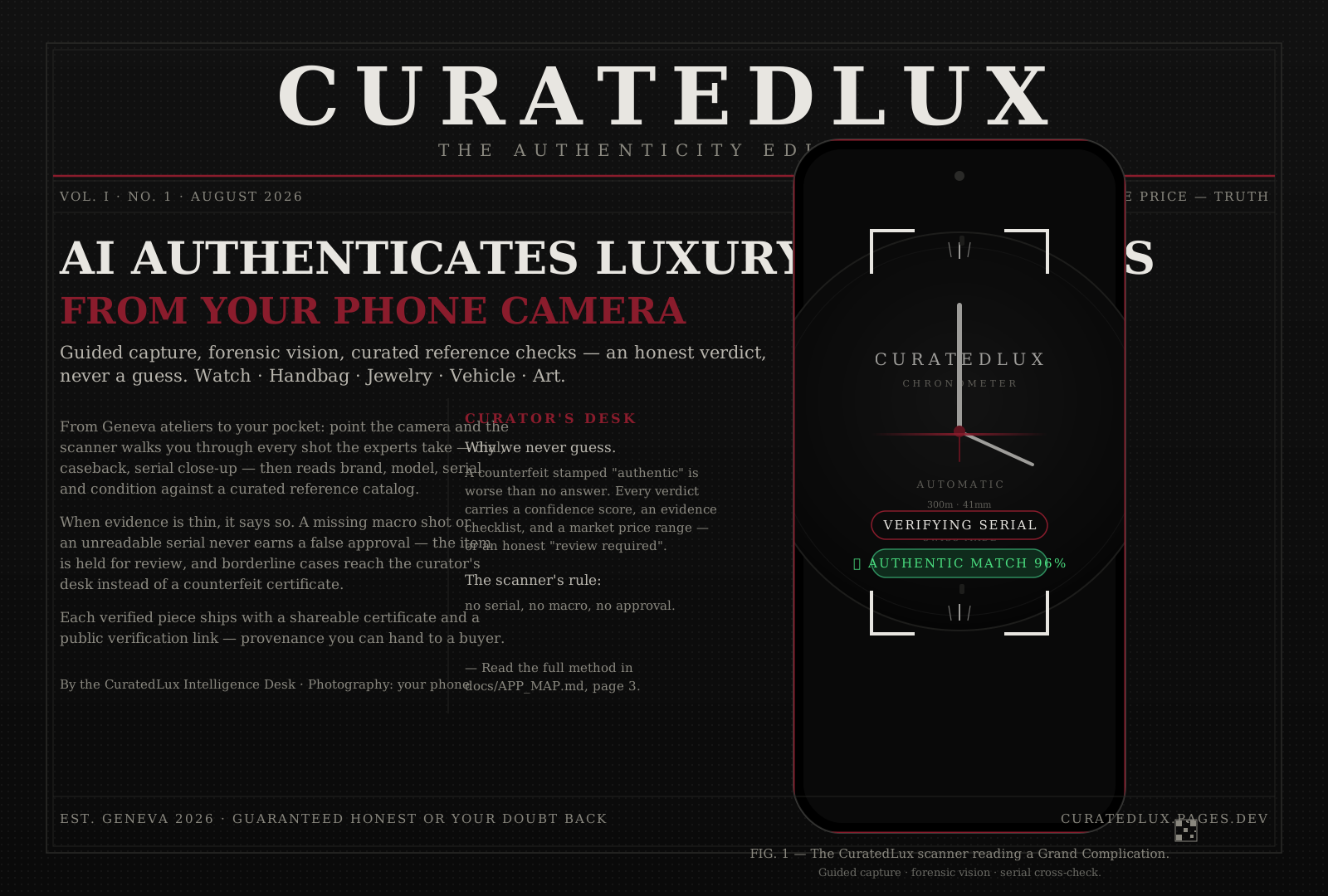
Point your phone camera at any luxury item — watch, handbag, jewelry, vehicle, or art. CuratedLux proposes an identity from photos, reads visible text and condition, and prepares an assessment for expert review. Historical price context is labeled by date.
No account needed — scan as guest
Built for accuracy
Understand
the assessment
Identity proposals are matched to a catalog. Linked photographs are illustrative, not physical-authentication evidence or guaranteed exact variants.
When configured, a second model independently examines eligible photos. Availability and disagreement are reported; this does not replace expert inspection.
AI assessments require expert review. We do not claim a measured authenticity accuracy until a representative, expert-labeled evaluation is complete.
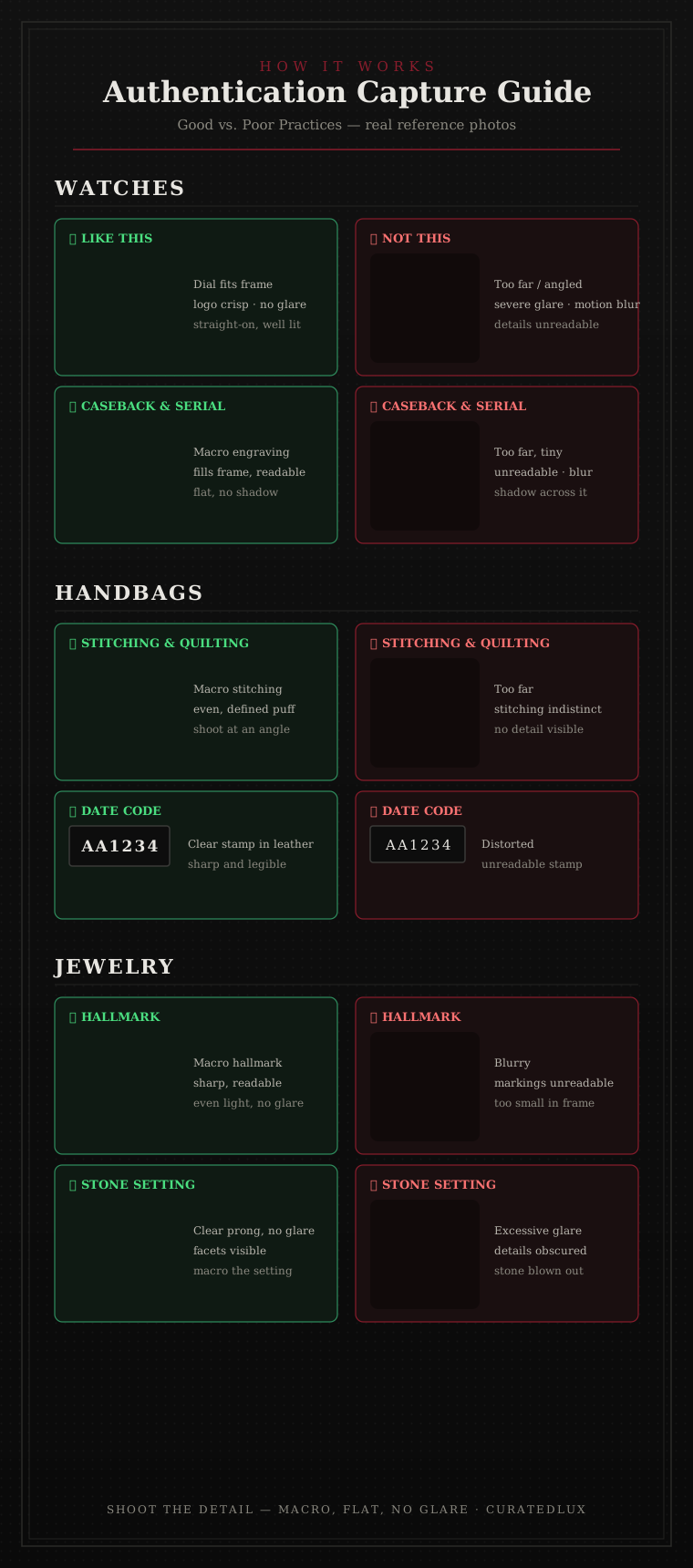
For best accuracy
Capture evidence for review
The process
How it works
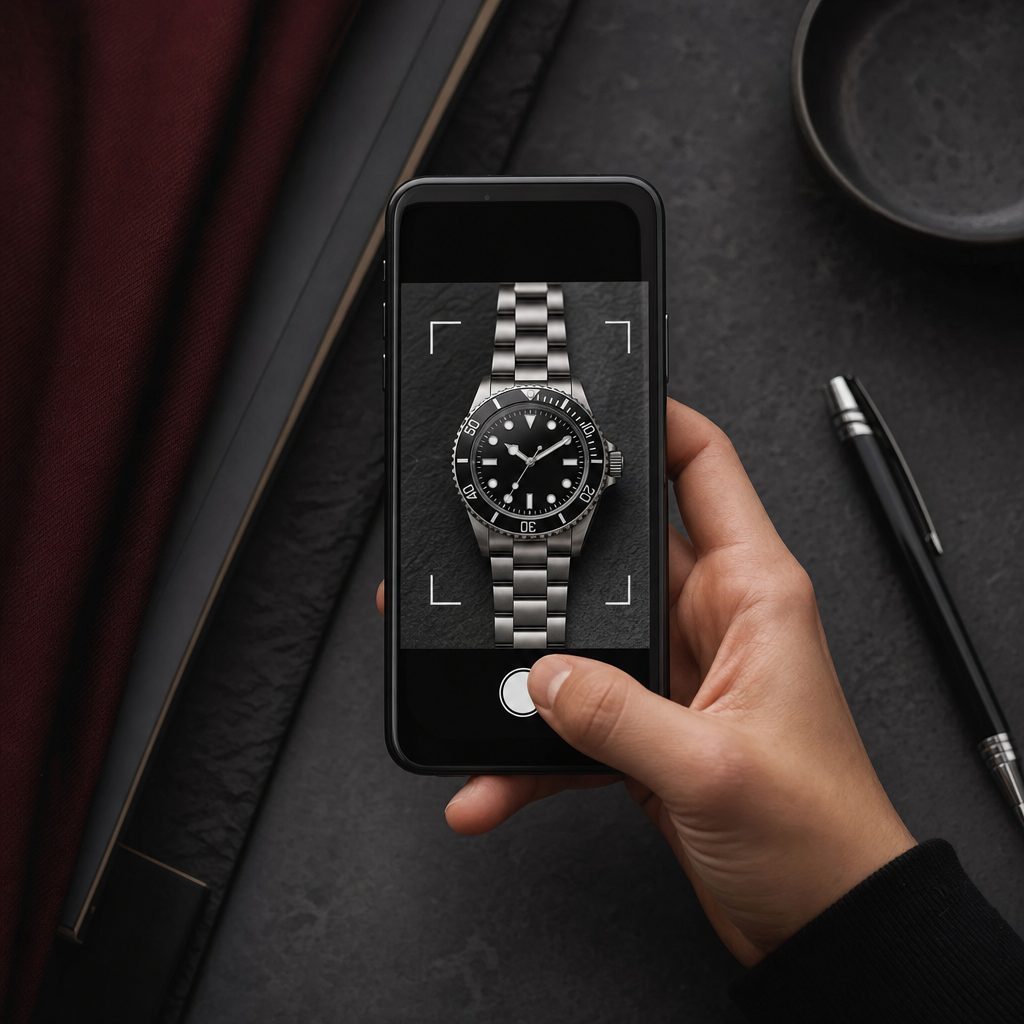
Follow the guided shots one by one — dial, caseback, serial close-up. Each step shows exactly what to photograph.
AI reads brand, model, serial, and condition from your photos, then checks them against a curated reference catalog.
See an identity proposal, photo observations and next steps — plus a shareable assessment report.
Ready when you are
Sign InCreate AccountSkip for now — scan as guestSign in to save your history, earn credits, and export certificates. Guests can scan without an account (rate-limited).